Supported engines
One app, fifteen engines. DataDock adapts its interface to each database — the right query language, the right object browser and engine-specific tools — without switching apps. Relational, document, key-value, time-series, columnar and cloud warehouses all live side by side.

PostgreSQL
Full SQL with multiple schemas, an EXPLAIN visualizer for query plans, and complete support for views, functions, sequences and types. The slow-query and index tools in Performance & insights are richest here. DataDock also speaks the Postgres-wire engines CockroachDB, TimescaleDB and Amazon Redshift.

MySQL / MariaDB
The classic relational workhorse, MariaDB included. Browse databases and tables, edit rows, manage indexes and run multi-statement scripts. The process list under Server tools lets you spot and kill stuck queries.

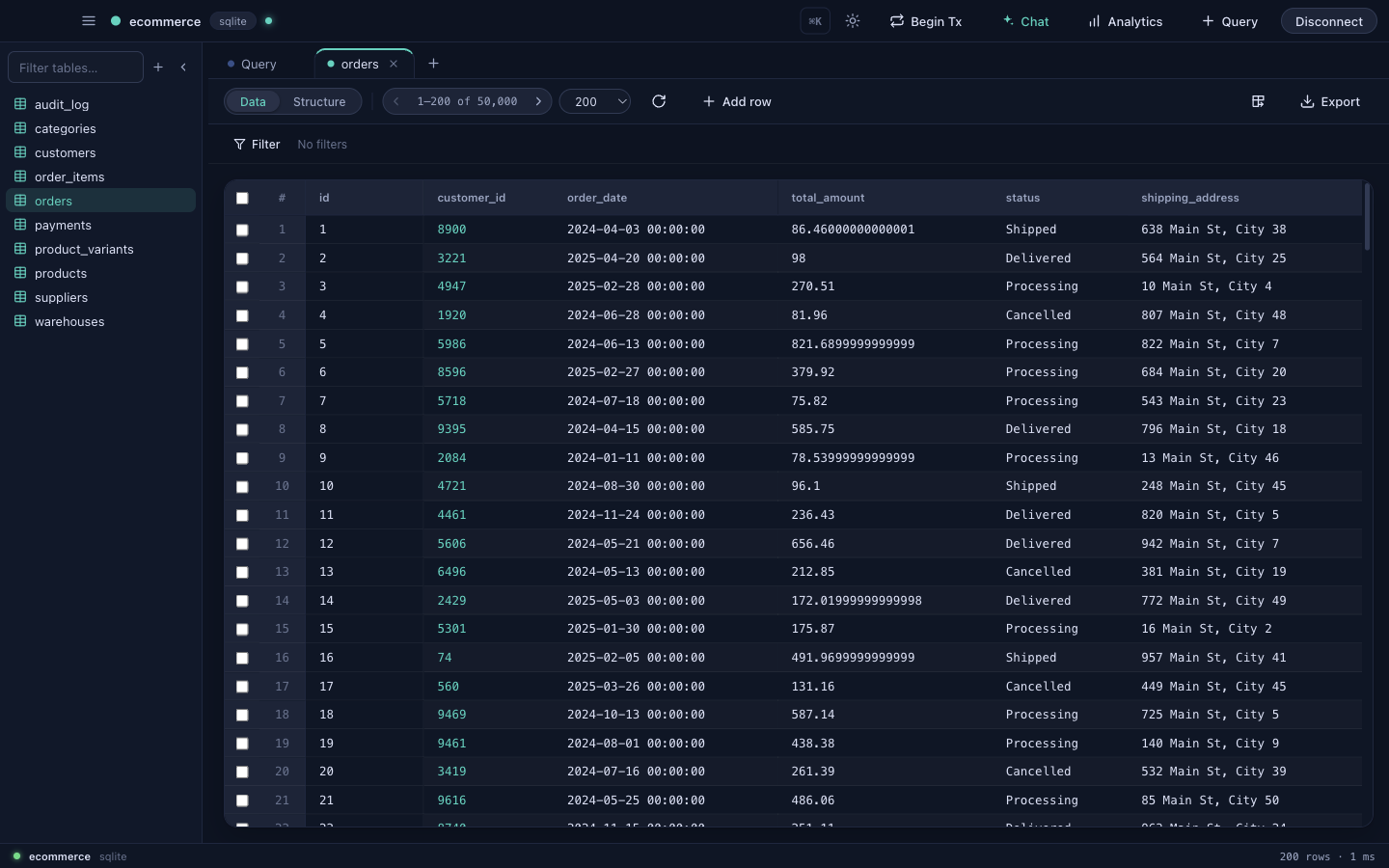
SQLite
Local file databases with zero setup — just pick the .db file. Perfect for app development, prototypes and learning DataDock.

Microsoft SQL Server
Microsoft's enterprise engine. Connect over the native protocol, browse schemas and run T-SQL with the same grid, editing and export tools as every other engine.

Oracle Database
Oracle's flagship engine, over the driver's thin mode (no Instant Client to install). Connect by service name, browse schemas, edit rows and run PL/SQL with the same grid and tools — plus a user/role browser under Server tools.

MongoDB
A document database, so the browser speaks collections and documents instead of tables and rows. View and edit documents as formatted JSON, and run aggregation pipelines to shape and summarize data.

InfluxDB
A time-series database for metrics and events. Write Flux queries to slice windows of time-stamped data — a natural fit for the chart widgets in Analytics.

Redis
A key-value store. Browse keys by prefix, inspect every value type (strings, hashes, lists, sets, sorted sets, streams), run raw commands, and watch background jobs move through the live queue dashboard.
Columnar & cloud warehouses
The same projects, tabs, grid and SQL editor — pointed at analytical and cloud data stores.

DuckDB
An in-process analytical database in a single .duckdb file — zero setup, just pick the file (it's created if missing). Full browsing, editing and a Postgres-like SQL dialect, ideal for local analytics and crunching CSV/Parquet.

ClickHouse
A blazing columnar warehouse for analytics at scale. Connect over HTTP(S), browse tables and column types, run queries, and create/drop databases & tables — with row edits applied as ClickHouse mutations where supported.

Snowflake
The cloud data platform. Authenticate with your account, warehouse, role and (optionally) database/schema, then browse across schemas, run queries and edit rows with standard SQL — primary keys, structure and GET_DDL included.

Google BigQuery
Google's serverless warehouse. Point DataDock at a service-account key and a dataset, then browse tables, inspect schema and run queries with live results. BigQuery is append-oriented with no primary keys, so it's read / browse / query — inline row editing is intentionally off.