WORKING WITH DATA
The SQL editor
When you'd rather write it yourself, the editor is a full-featured SQL workspace. Run the current statement or selection with ⌘↵ / Ctrl ↵.
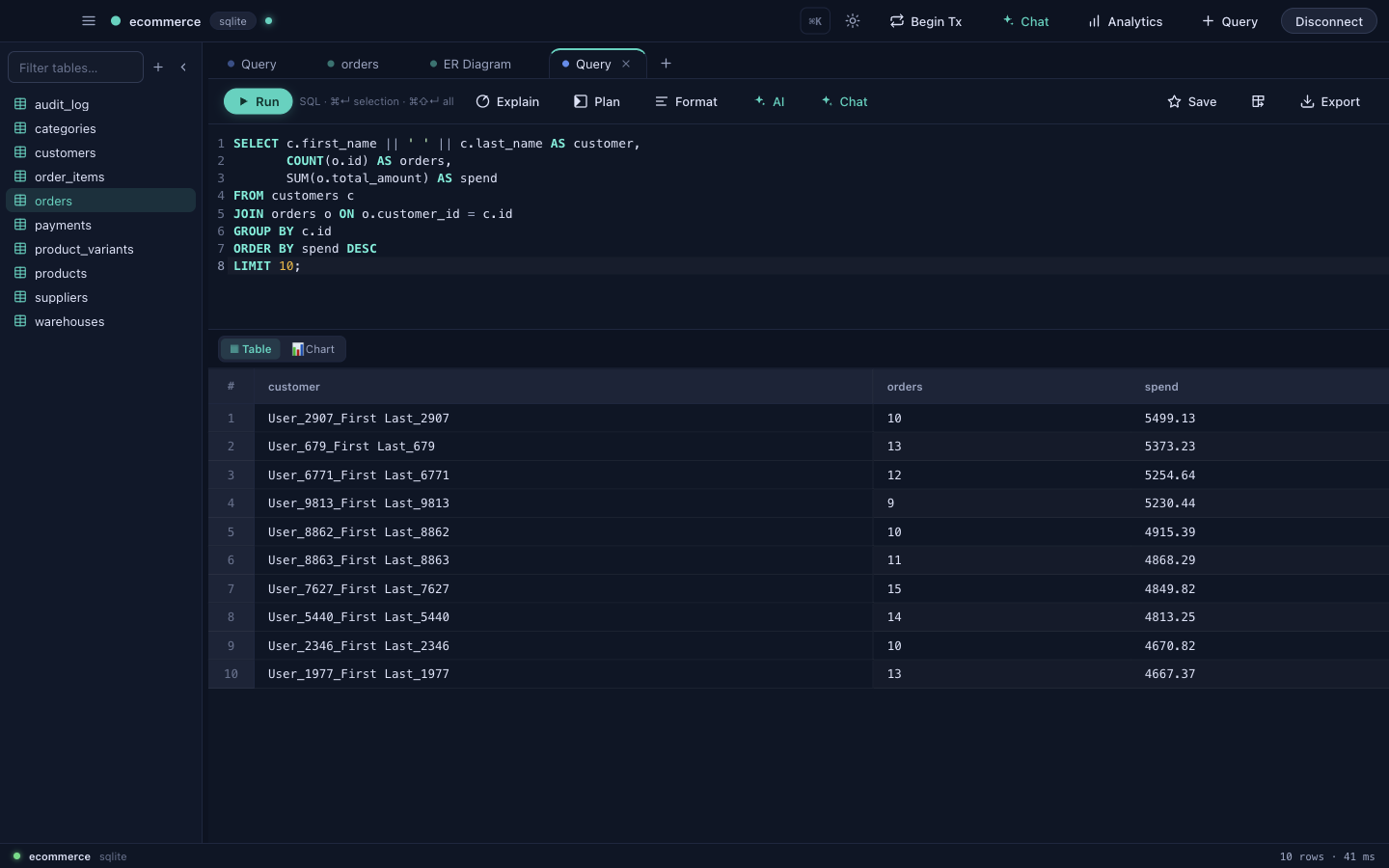
- Multi-tab — keep several queries open side by side.
- Schema-aware autocomplete — table and column suggestions that know your database.
- History — every query you've run, searchable and re-runnable.
- Snippets — save and reuse parameterized queries you write often.
- Query variables — parameterize a query and fill values in at run time.
- Formatter — pretty-print messy SQL in one keystroke.
EXPLAIN& visual plan — inspect the query plan to understand and speed up slow queries.- Send a result set straight to a new table, render it as a chart, or export it.
Schema-aware autocomplete
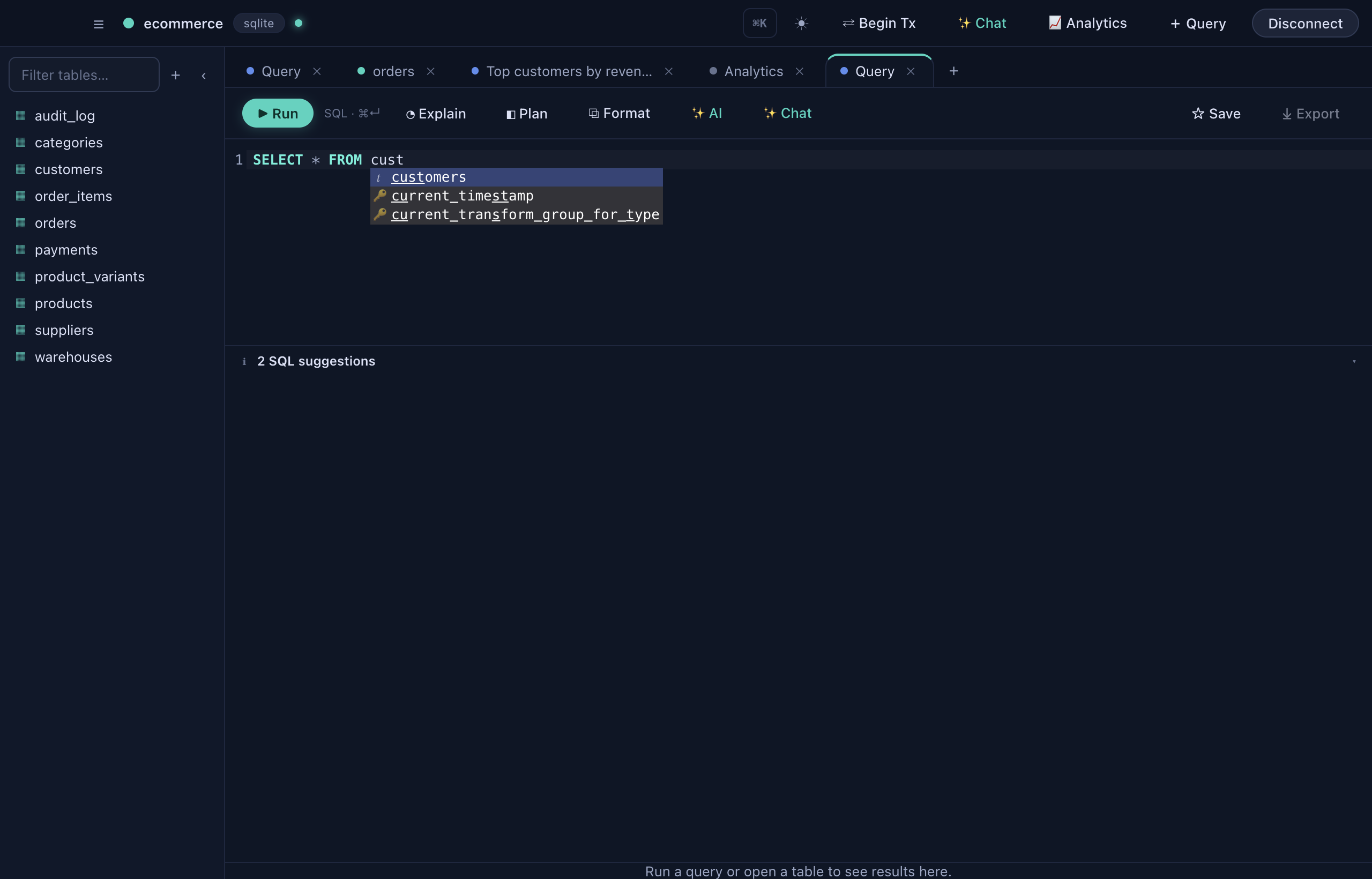
As you type, DataDock suggests tables, columns and keywords from the connected database — so you spend less time remembering names and more time getting answers.
✦
Stuck on a query? Use Explain for a plain-English breakdown, or Fix with AI when a query errors — see Built-in AI.