Shortcuts, security & FAQ
Command palette & shortcuts
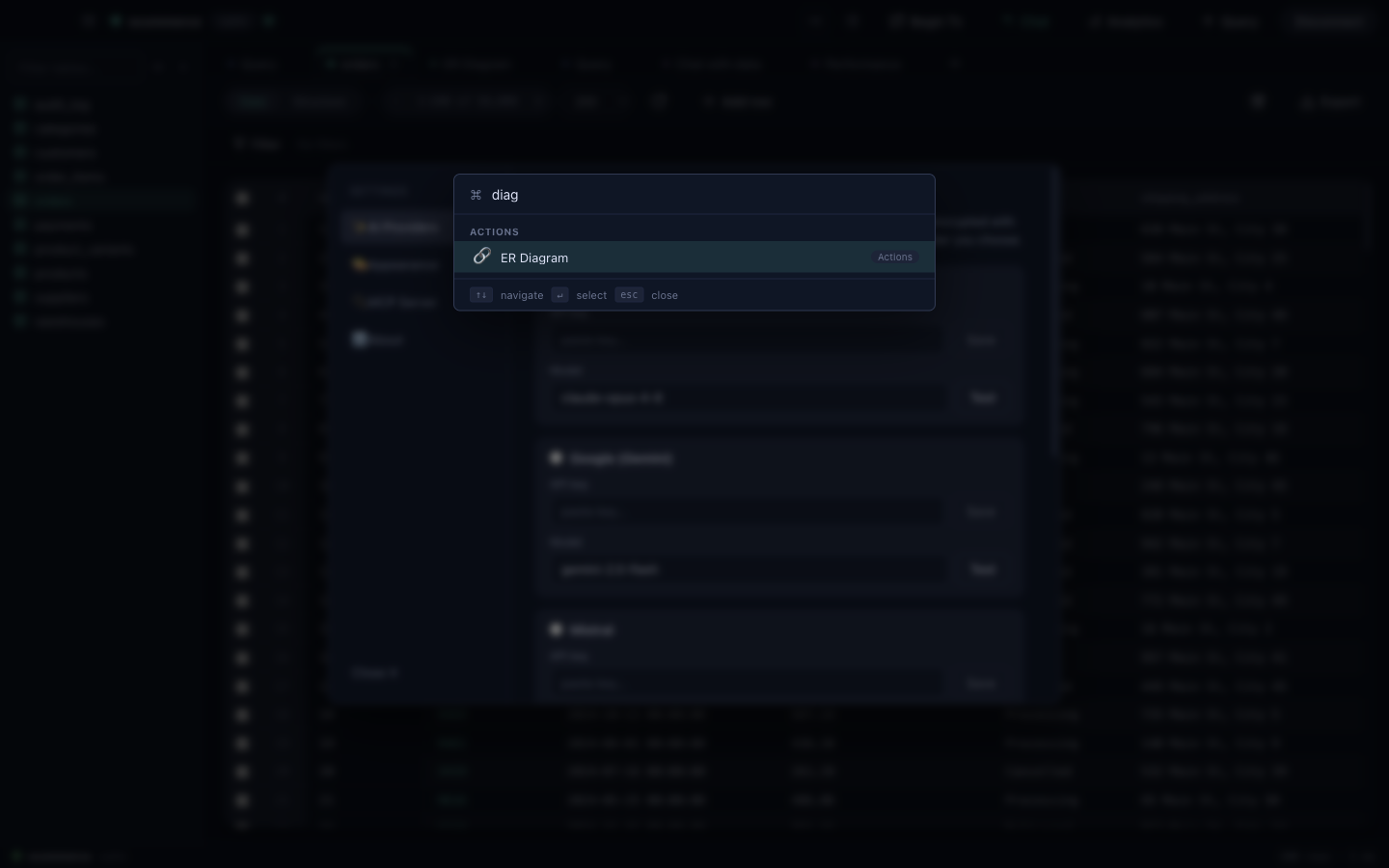
DataDock is built to stay out of your way. The command palette (⌘K / Ctrl K) jumps to any table, view or action — start typing and run it. The interface ships with dark and light themes and collapsible panels.
| Action | macOS | Windows / Linux |
|---|---|---|
| Command palette | ⌘K | Ctrl K |
| New connection | ⌘N | Ctrl N |
| Run query / selection | ⌘↵ | Ctrl ↵ |
| Settings | ⌘, | Ctrl , |
Shortcuts shown are defaults; the command palette lists the current binding next to each action.
Security & privacy
- Local-first — DataDock connects directly to your databases. There's no DataDock cloud in between.
- Credentials encrypted at rest — connection secrets are encrypted on your machine via the OS keychain.
- Read-only safe mode — block writes on sensitive connections (see Connecting & organizing).
- SSH tunneling — reach databases behind a bastion without exposing them.
- Data masking — anonymize sensitive columns on export.
- AI privacy — only the schema and the queries needed to answer are sent to your chosen provider; choose Ollama to keep everything local.
- Open source — the full source is on GitHub under the MIT license.
FAQ
Is DataDock really free?
Yes — free and open source under the MIT license. No account, no subscription, no paid tier.
Which databases does it support?
Fifteen engines: PostgreSQL, MySQL/MariaDB, SQLite, Microsoft SQL Server, Oracle, MongoDB, Redis and InfluxDB, plus the Postgres-wire engines CockroachDB, TimescaleDB and Amazon Redshift, and the analytical / cloud warehouses DuckDB, ClickHouse, Snowflake and Google BigQuery. See Supported engines.
Can I monitor database replication?
Yes — group connections into a replication topology and watch it live: primary/replica roles, per-link lag (green/amber/red) and node-health badges, for PostgreSQL, MySQL, MongoDB and Redis. It's read-only monitoring (no failover). See the topology monitor.
Does my data go to the cloud?
No. DataDock connects directly to your databases, and credentials are encrypted at rest. AI features only send the schema and the queries needed to answer to the provider you pick — and Ollama keeps that fully local.
Can it connect through a bastion / jump host?
Yes — built-in SSH tunneling with private-key, password or SSH-agent authentication.
Can the AI run without an internet connection?
Yes — point DataDock at a local Ollama install and the model runs on your own hardware.
Where do I report a bug or request a feature?
Open an issue on the GitHub repository.

Ready to try it?
Free, open source, for macOS, Windows and Linux. No account, no catch.